


















「Outlookを起動します」を使うことで、Outlookを起動してそのままインスタンス化することができます。
Outlookを起動します
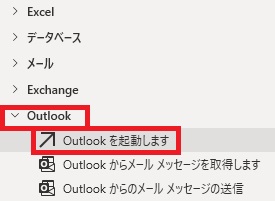
Outlookを起動しますは、アクションペインのOutlookから追加できます。
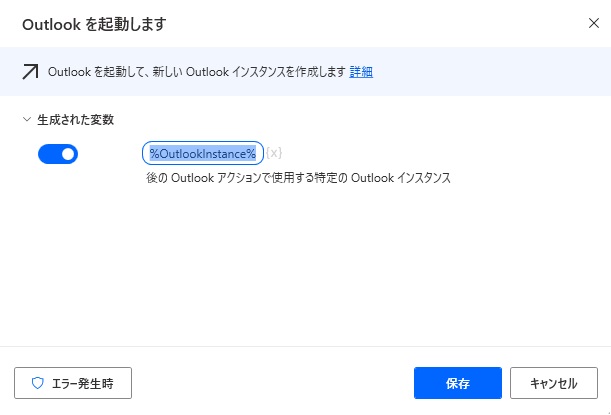
追加するとダイアログが表示されます。
生成された変数
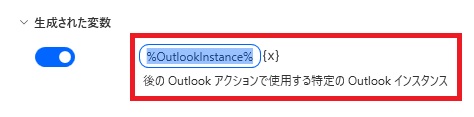
変数名の変更、{x}から他の変数へ値の代入が行えます。
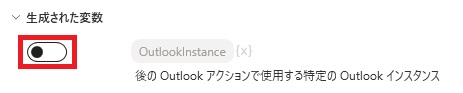
スイッチをオフにすると変数が生成されなくなります。
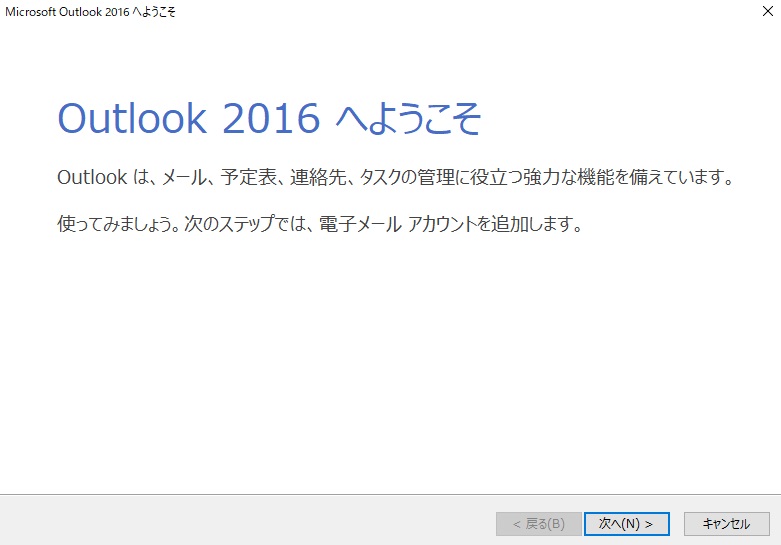
実行するとOutlook(設定してなければウィザード)が開きますが、このOutlookがインスタンス化されて変数として扱われるようになります。
エラー発生時
エラー時の処理を指定できます。
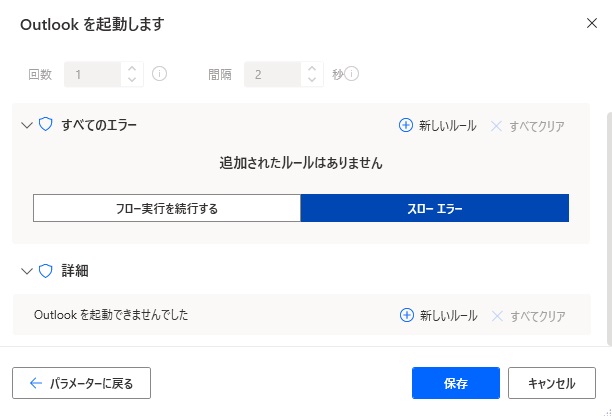
詳細では、Outlookを起動できなかった場合を指定できます。

Microsoft Power Automate Desktop(PAD)アクション、使い方一覧
Power Automate Desktopの使い方を機能・分類別に参照できるまとめです。
sunagitsune.com
2021.11.16


コメント