


















「テキストを数値に変換」では、数字のデータ型をテキストから数値に変換することができます。
数字以外のテキストに対して行うとエラーになります。
テキストを数値
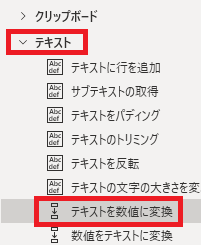
テキストを数値に変換は、アクションペインのテキストから追加できます。
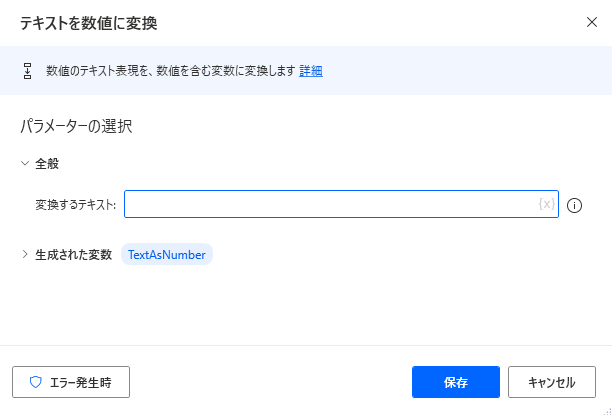
追加するとダイアログが表示されます。
変換するテキスト
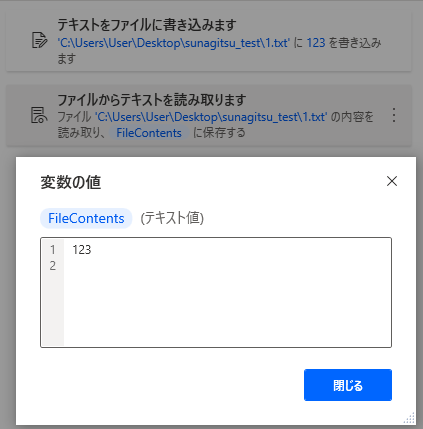
一例として、ファイルからテキストを読み取ると、値が数値であってもデータ型的にはテキストとして取得します。
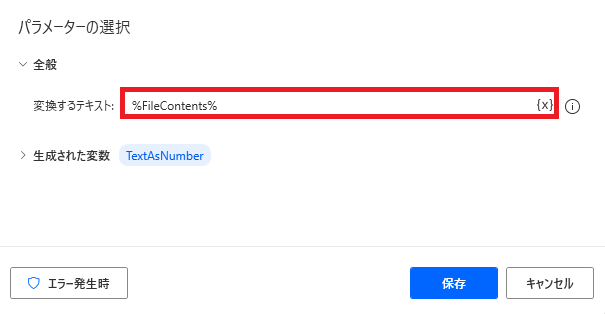
変換するテキストでは対象のテキストを直接入力する(=数値形式の変数を作成する)か、{x}から変数を指定することができます。
ここでは読み取ったファイルの値を意味する変数を指定します。
ここでは読み取ったファイルの値を意味する変数を指定します。
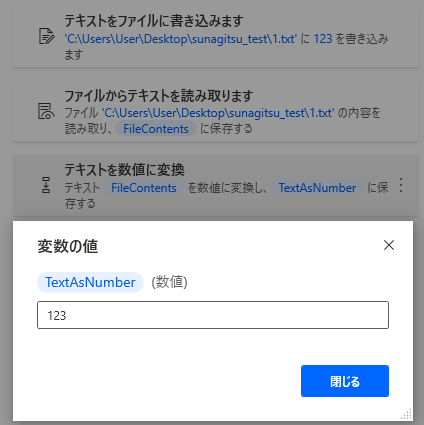
処理を実行すると、データ形式がテキストから数値に変換された同じ値の新しい変数が取得されていることが確認できます。
生成された変数
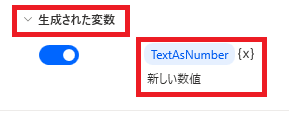
変数名をクリックして変更、{x}から取得した値を別の変数に代入が行えます。
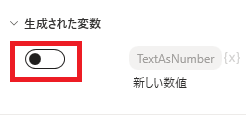
スイッチをオフにすると変数が生成されなくなります。
エラー発生時
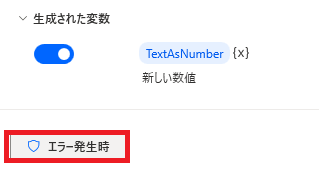
エラー時の処理を指定できます。
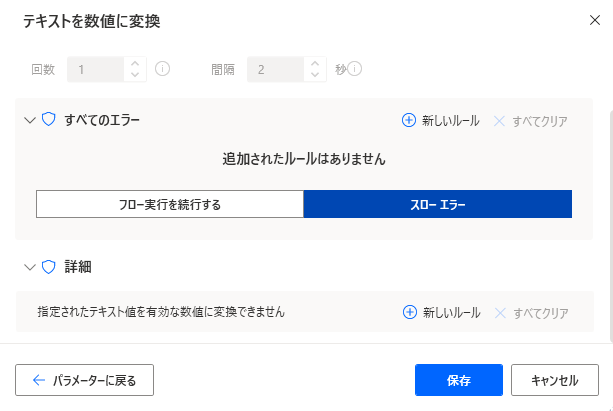
詳細では、指定されたテキスト値を有効な数値に変換できない場合を指定できます。

Microsoft Power Automate Desktop(PAD)アクション、使い方一覧
Power Automate Desktopの使い方を機能・分類別に参照できるまとめです。
sunagitsune.com
2021.11.16


コメント