


















「ファイルの名前を変更する」でテキストを追加するを選択した場合の使い方です。

Power Automate Desktopでファイルの名前を変更する方法
「ファイルの名前を変更する」ではファイルの名前を変更する他、置換、文字の追加、拡張子の変更などを行うことができます。
sunagitsune.com
2022.05.09
テキストを追加する
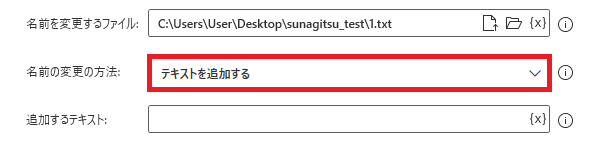
ファイルの名前を変更するでテキストを追加するを選択すると、ファイル名に任意の文字列を付け足すことができます。
追加するテキスト
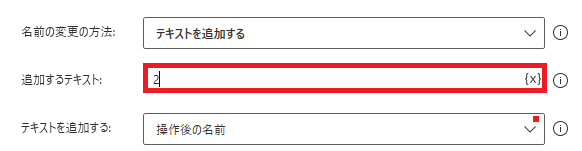
変更方法がテキストを追加するの時に表示されます。追加したい文字列を指定します。変数も使用可能です。
テキストを追加する
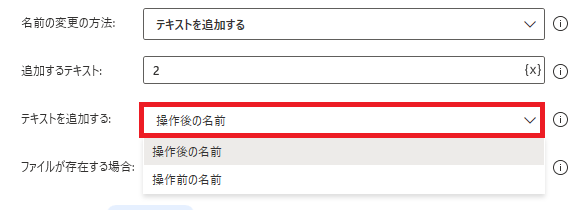
操作後の名前と操作前の名前から選択できます。日本語だけ見るとよく意味がわかりませんが、
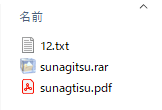
操作後の名前であれば追加した文字列は元の文字列の後ろにつき、
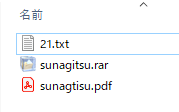
操作前の名前だと元の文字列の前に追加される、という意味になります。

Microsoft Power Automate Desktop(PAD)アクション、使い方一覧
Power Automate Desktopの使い方を機能・分類別に参照できるまとめです。
sunagitsune.com
2021.11.16


コメント