




















「テキストを反転」では、指定した文字列を逆順に並び替える(反転させる)ことができます。
テキストを反転

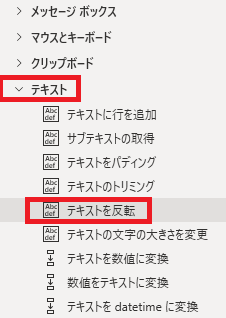
テキストを反転は、アクションペインのテキストから追加できます。

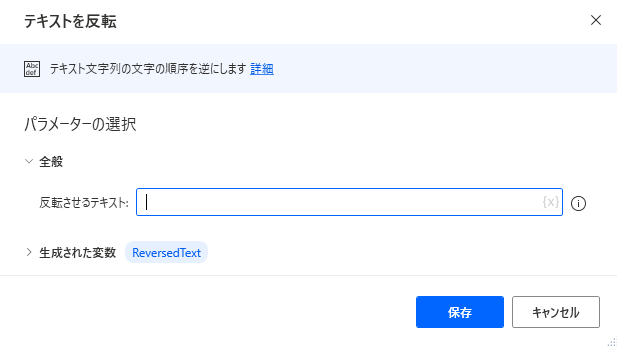
追加するとダイアログが表示されます。
反転させるテキスト


反転させるテキストを直接入力、または{x}から変数を指定します。

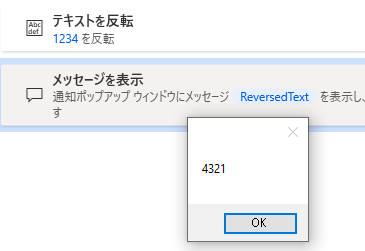
テキストを反転して出力すると、たとえばこんな感じになります。
生成された変数

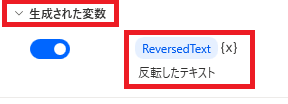
変数名の確認、変更、{x}から他の変数に値の上書きが可能です。

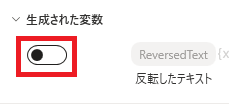
スイッチをオフにすると変数が生成されなくなります。


Microsoft Power Automate Desktop(PAD)アクション、使い方一覧
Power Automate Desktopの使い方を機能・分類別に参照できるまとめです。

sunagitsune.com
2021.11.16



コメント